RunSight app
Set up RunSight, start a run, and keep every result.
Check that the device is ready, control a run when you need to, review your training, and find routes reviewed by other runners.

Get ready and start.
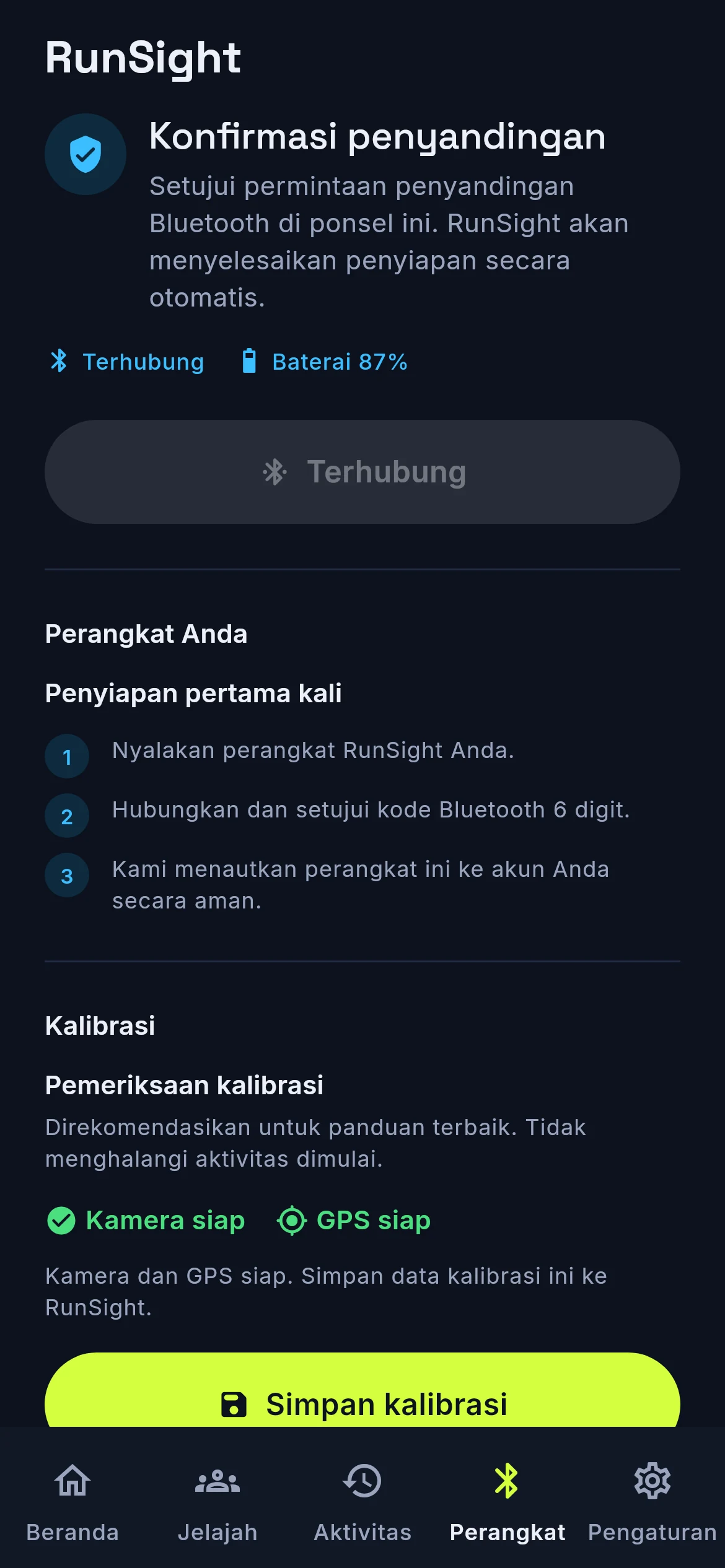
The device has no screen, so it reads the pairing code aloud. Pair it once, check readiness, then start or control a run from your phone when needed.
Run controls
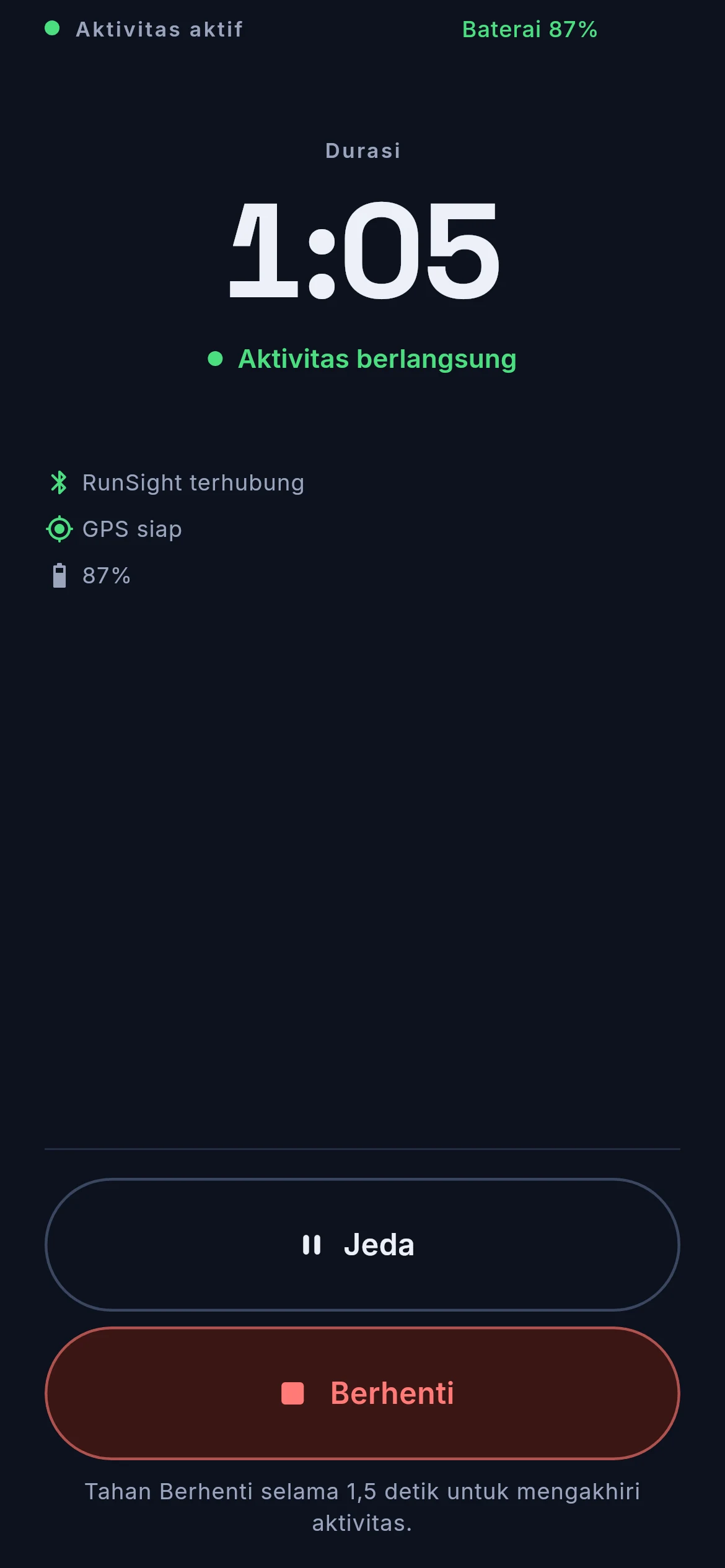
The same commands the physical button gives you, from the phone, when the phone is easier.
Live status
See the run state, connection, battery, GPS and calibration at a glance.
Safety state
If the device stops a run for a critical condition, the app reflects that state immediately.
Guidance stays on the RunSight device. The phone is optional once the run begins.
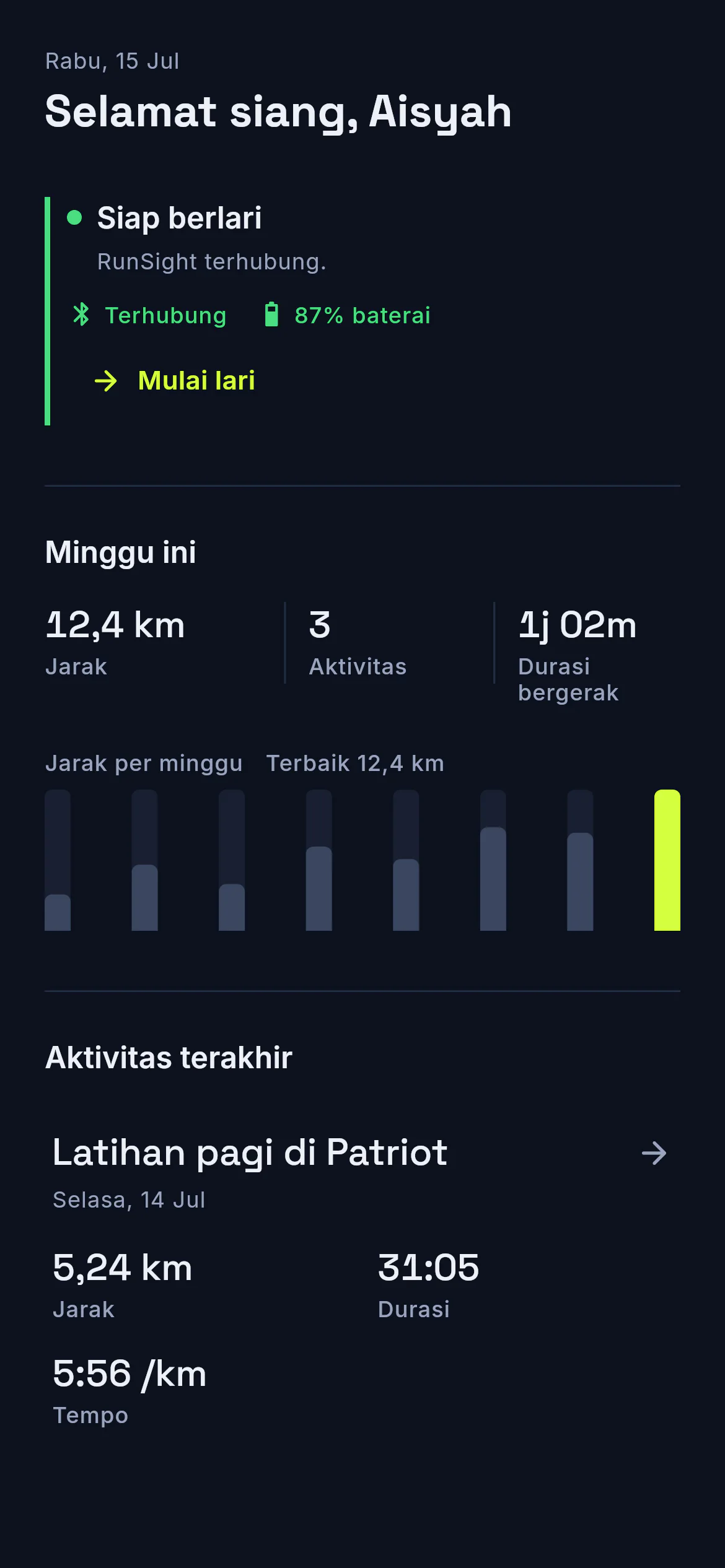
Every run, saved.
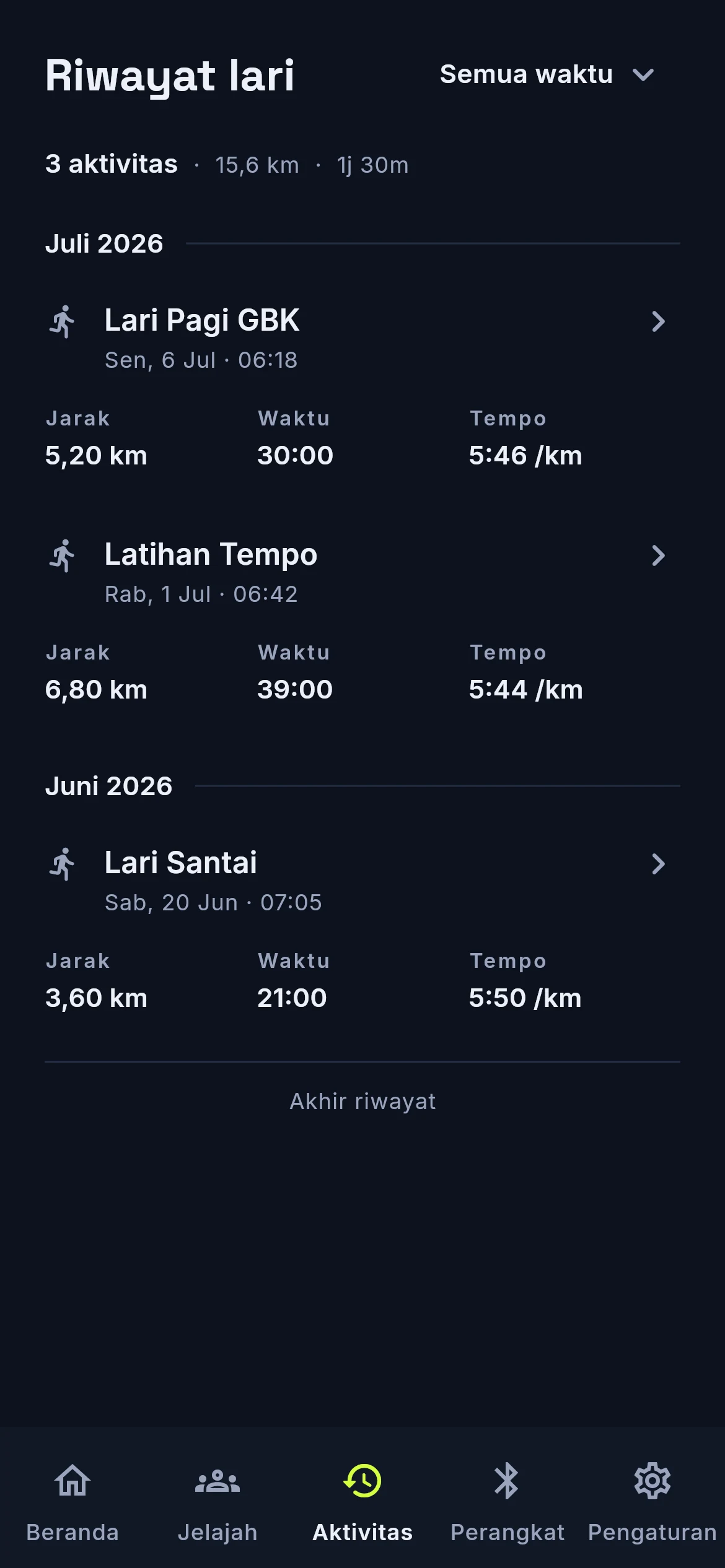
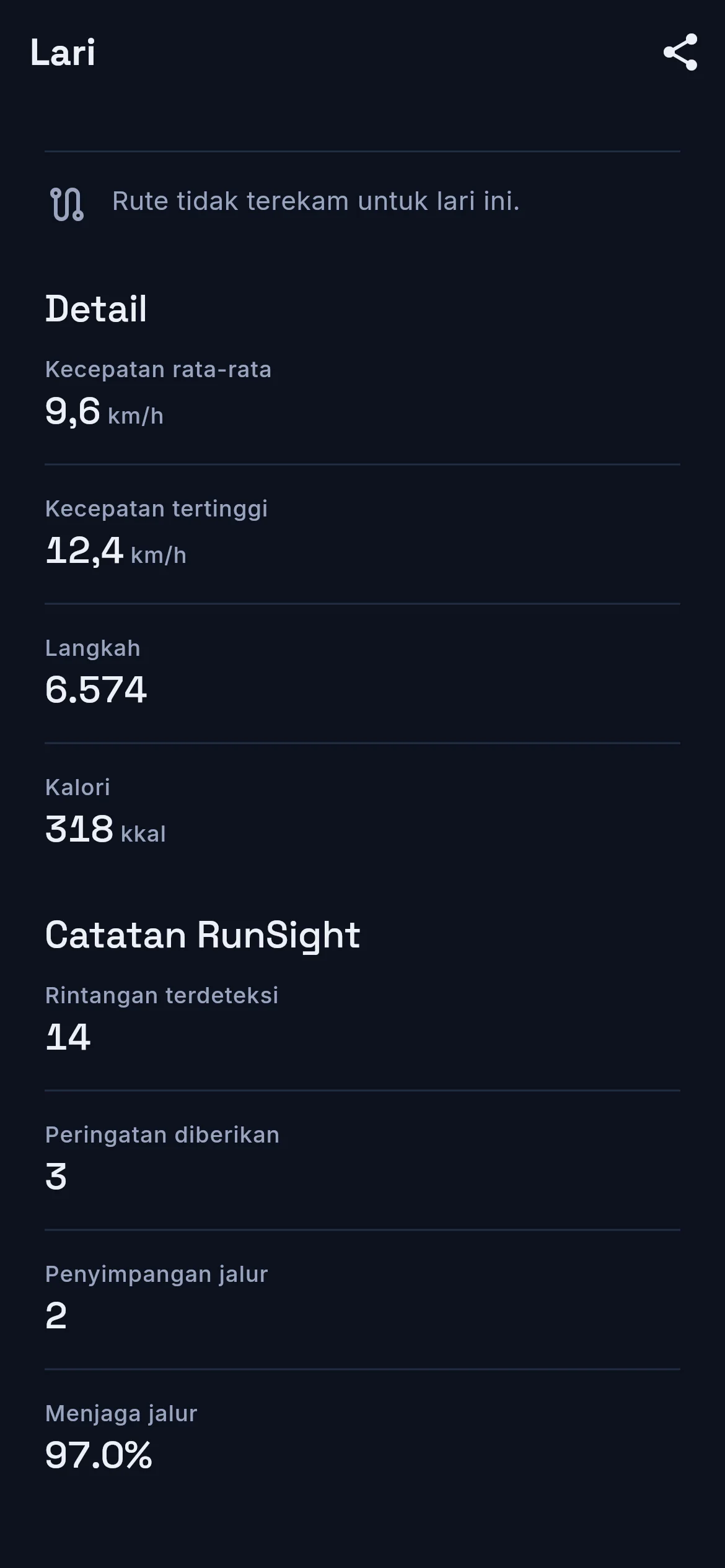
When a run ends, the app saves its distance, duration, pace and route. If the connection drops during transfer, the run stays on the device until the app can try again.
Run summary
Distance, duration and pace, with your own title and notes.
Route map
The GPS waypoints the device recorded, drawn as the route you ran.
Weekly and monthly
Weekly and monthly totals from completed runs.
Routes reviewed by the people who use them.
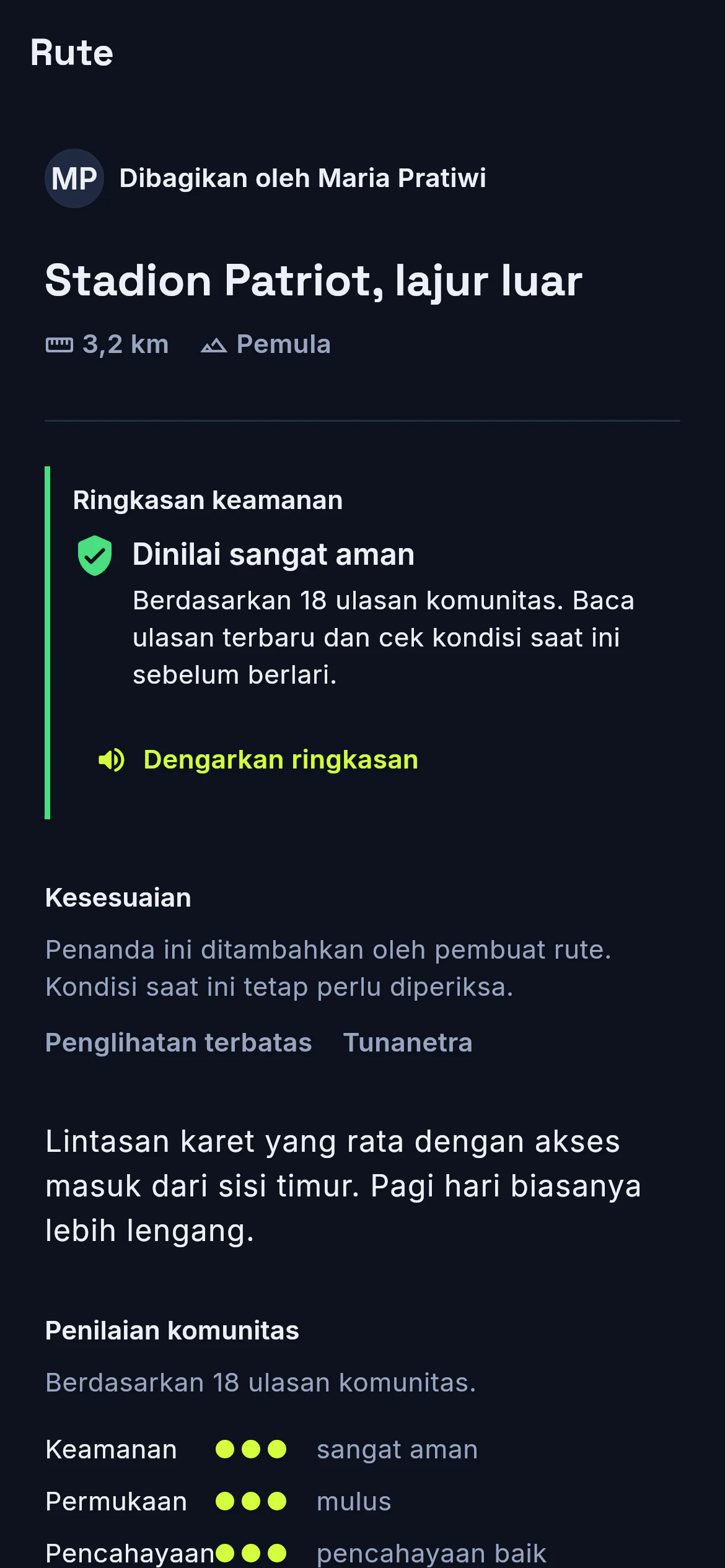
A completed run can be published as a route with its distance, difficulty, and suitability for runners with different levels of vision.
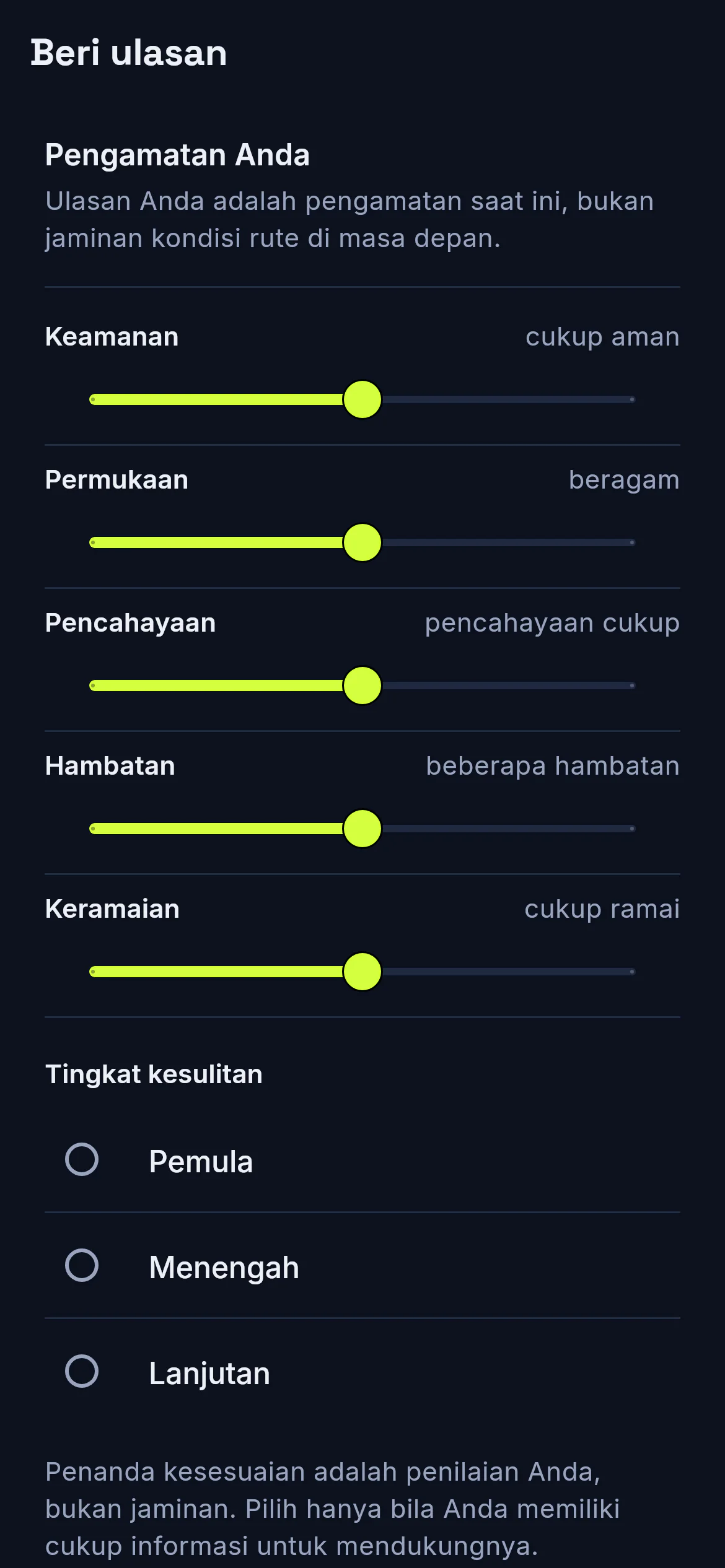
People who have used the route can review five practical conditions: safety, crowding, surface, lighting, and obstacles.
- Suitable for low vision
- Suitable for totally blind runners
- Companion recommended
Share with other runners.
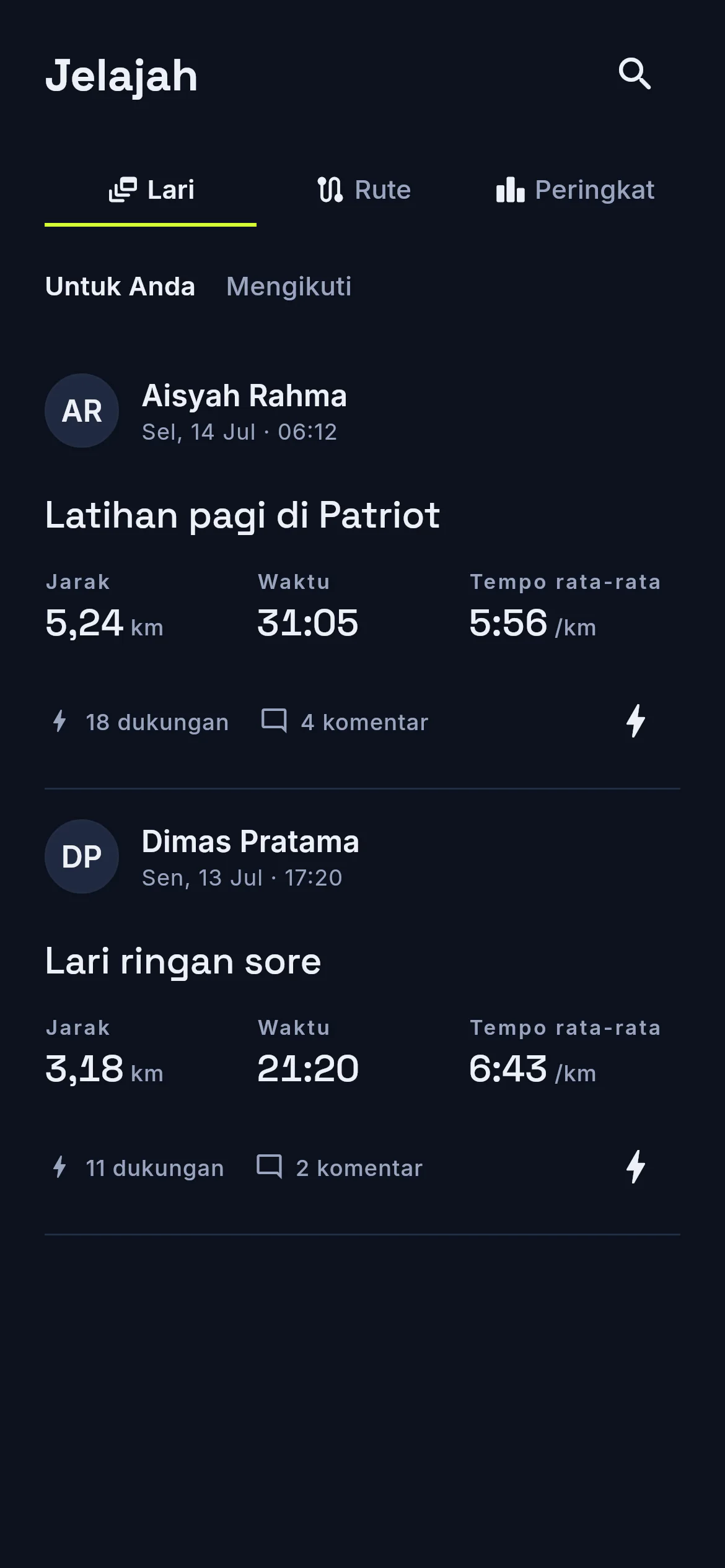
Publish a completed run or route, compare notes, and follow runners whose tracks and pace are useful to you.
- Kudos
- Comments
- Follow
Reviews
- Safety
- Crowding
- Surface
- Lighting
- Obstacles
Made to work without sight.
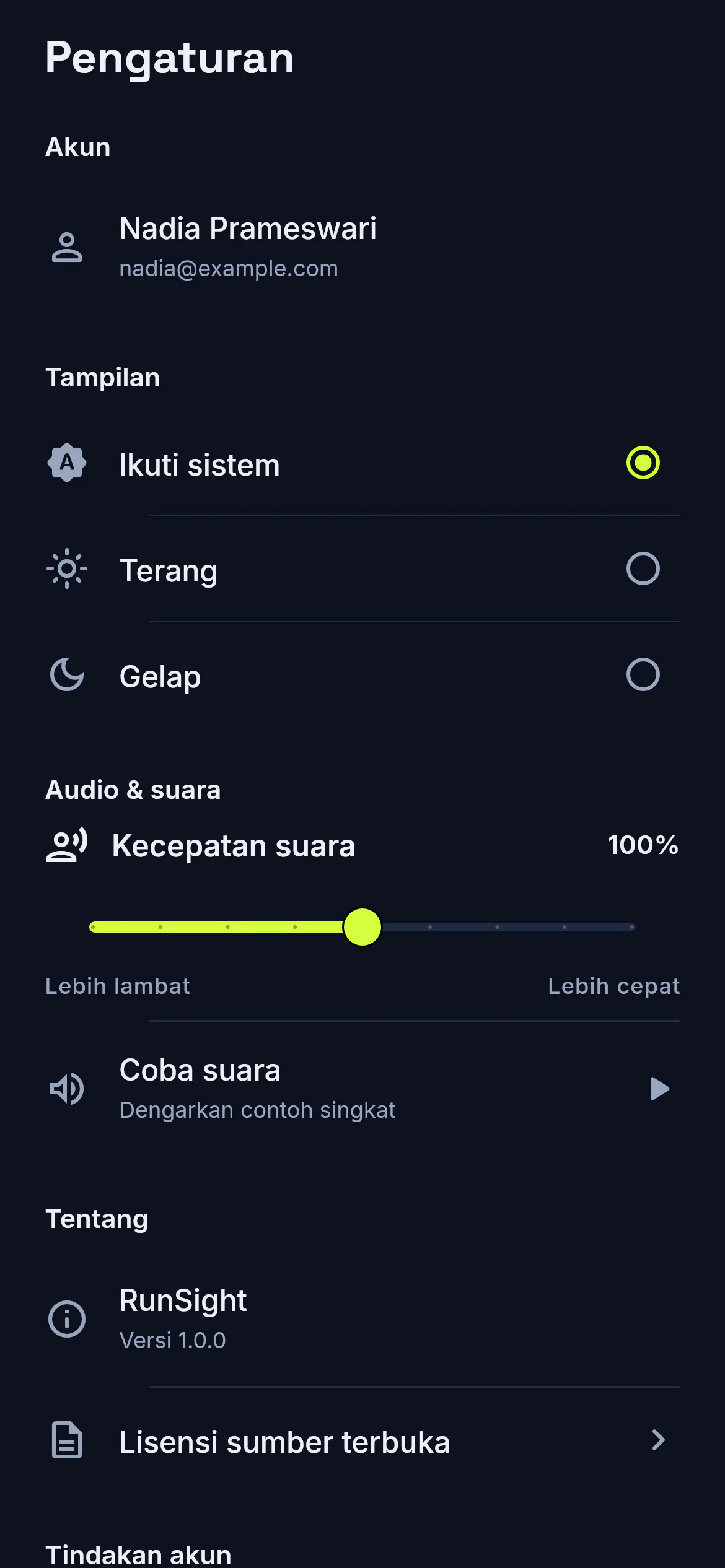
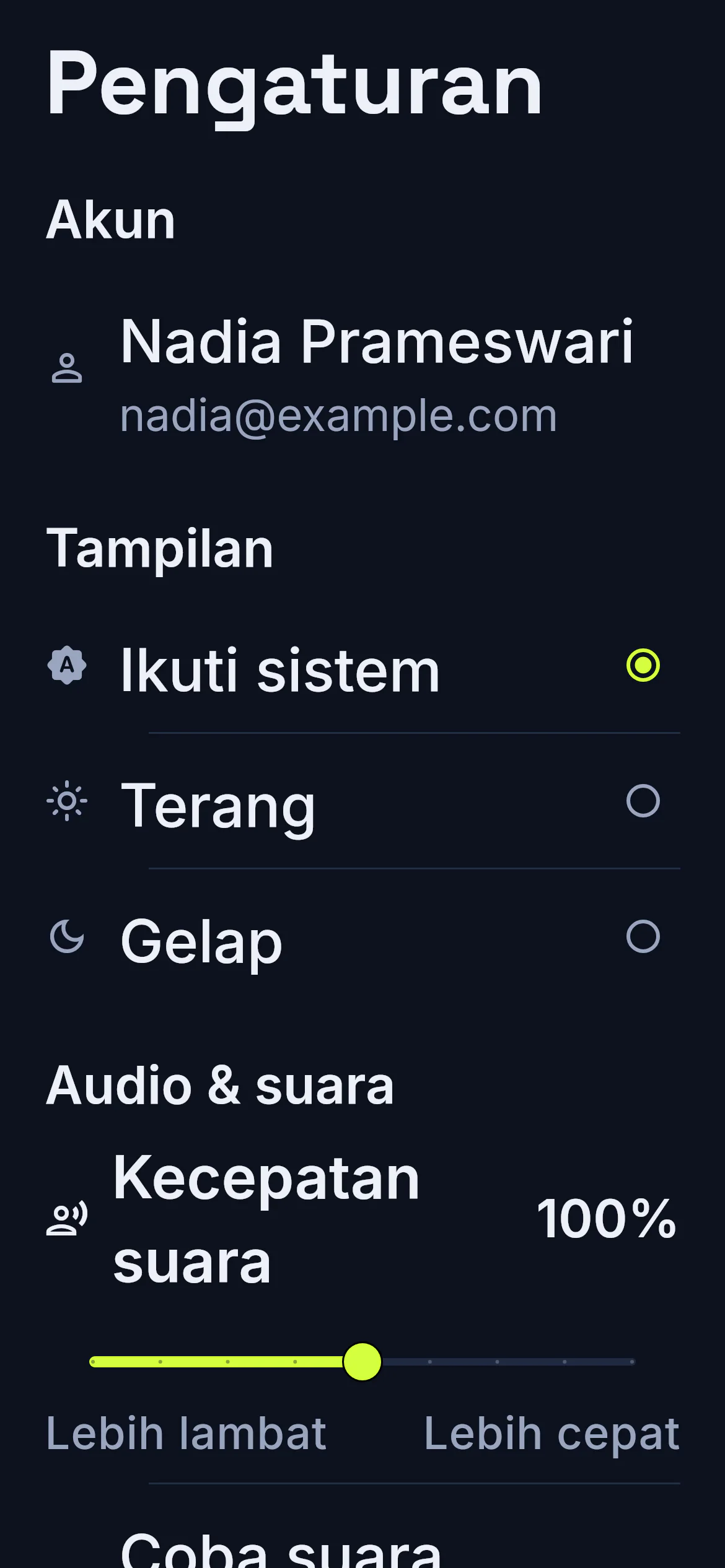
The app supports TalkBack and VoiceOver, and its layouts are tested at 200% system text size.
Screen readers
Controls carry screen-reader labels, while decorative images stay out of the reading order.
Text scaling
Core screens are tested at 200% system text size.
Spoken confirmation
Key actions are read back, so you know the tap landed without looking.
Bahasa Indonesia
The interface uses Bahasa Indonesia and speaks key confirmations aloud.